| Size |
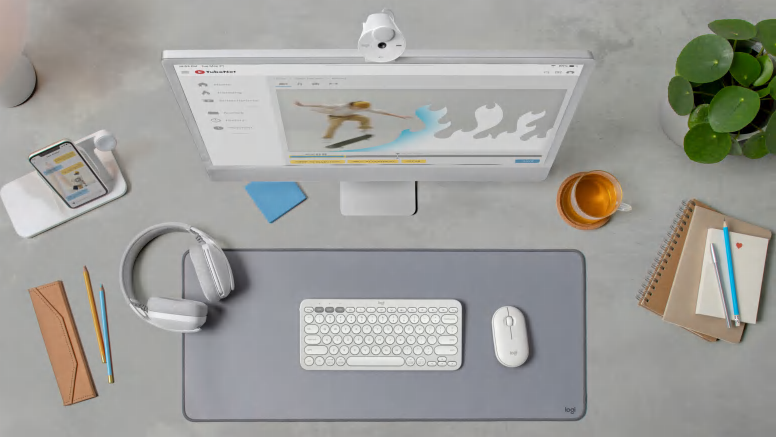
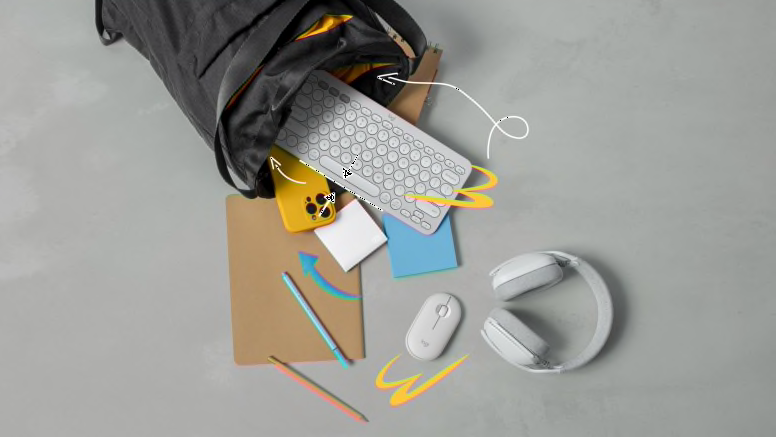
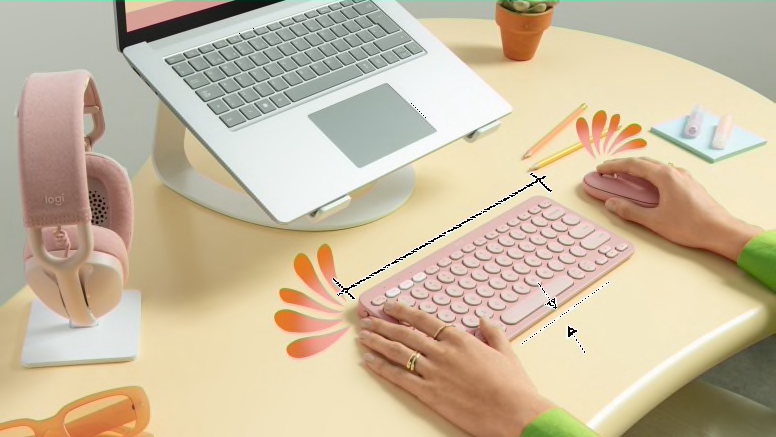
Minimalist |
| Typing feeling (Keyboard) |
Laptop-like typing |
| Scrolling (Mouse) |
Line-by-Line scrolling wheel |
| Tracking (Mouse) |
High-precision optical tracking |
| Quiet Clicks & Typing |
Yes |
| Multi-Device |
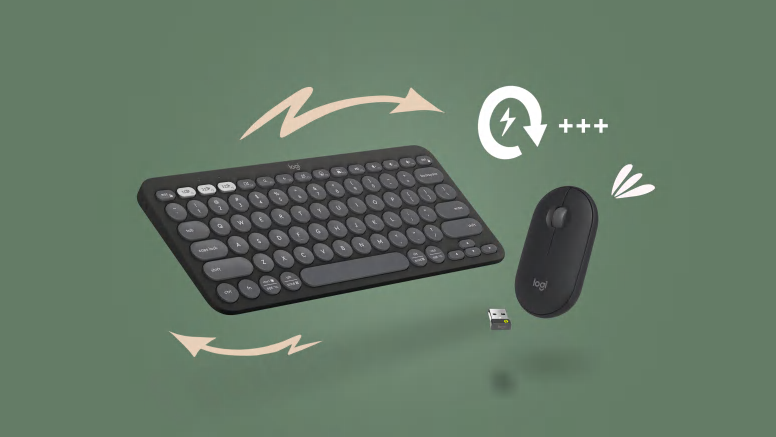
Yes Up to 3 devices |
| Customization App Support |
Yes with Logi Options |
| Customization |
10 customizable keyboard keys*
1 middle click button
Requires Logi Options+ App available on Windows and macOS at logi.com/optionsplus |
| Compatibility |
Windows, macOS, Linux, Chrome OS, Android, iPadOS, iOS
Bluetooth Low Energy
- Logi Bolt Receiver
- Internet access required to download optional customization app Logi Options+. 12Available on Windows and macOS at logi.com/optionsplus
Logi Bolt USB Receiver
Logi Bolt USB Receiver: Required: USB-A Port
- Windows® 10, 11 or later 13Customise the device by installing the Logi Options+ App for Windows or macOS.
- macOS® 11 or later 14Customise the device by installing the Logi Options+ App for Windows or macOS.
- The Linux® 15Logi Options+ App is currently not supported. The device’s basic functions will work without it.
- The ChromeOS™ 16Logi Options+ App is currently not supported. The device’s basic functions will work without it.
Bluetooth
Bluetooth: Required: Bluetooth Low Energy
- Windows® 10, 11 or later 17Customize device by installing the Logi Options+ App for Windows or macOS.
- macOS® 11 or later 18Customize device by installing the Logi Options+ App for Windows or macOS.
- Linux 19Logi Options+ App is currently not supported. The device’s basic functions will work without it.
- ChromeOS 20Logi Options+ App is currently not supported. The device’s basic functions will work without it.
- iPadOS 14 or later 21Logi Options+ App is currently not supported. The device’s basic functions will work without it.
- iOS 14 or later 22Logi Options+ App is currently not supported. The device’s basic functions will work without it. Mouse not supported by iOS.
- Android™ 9.0 or later 23Logi Options+ App is currently not supported. The device’s basic functions will work without it.
- Works With Chromebook™ 24This product works with devices capable of running the latest version of ChromeOS and has been certified to meet Google’s compatibility standards. Google is not responsible for the operation of this product or its compliance with safety specs. Chromebook and the Works With Chromebook badge are trademarks of Google LLC.
For Universal & macOS Keyboards
- Important: FileVault might be enabled on your macOS laptop, which could prevent you from entering the passcode at start or reboot when trying to connect an external keyboard via Bluetooth. In this case, use the laptop’s keyboard or the included Logi Bolt USB receiver to complete setup
|
| Connectivity |
- Connection Type: Bluetooth Low Energy technology or Logi Bolt USB receiver (included)
- Connection type support: Compatible with Logi Bolt USB receiver (included).
- Wireless range: 32.8 ft (10 m)
|
| Battery |
- Keyboard: 2 x AAA (Alkaline Battery); On/off power button
- Mouse: 1 x AA battery (Alkaline Battery); On/off power button
|
| Battery life |
- Keyboard: 36 months 8Battery life may vary based on user and computing conditions.
- Mouse: 24 months 9Battery life may vary based on user and computing conditions.
- Connect / Power: On/Off Switch
|
| Indicator Lights |
- Keyboard: Battery LED and 3 Easy-Switch Bluetooth channels.
- Mouse: 3 Easy-Switch Bluetooth channels.
|
| Color Options |
Tonal Rose, Tonal White, Tonal Graphite |
| Sustainability |
- Tonal Graphite plastics: Pebble Keys 2 K380s 64% post-consumer recycled material; Pebble Mouse 2 M350s 76% post-consumer recycled material 10Excluding plastic in printed wiring assembly (PWA) and packaging.
- Tonal white and rose plastics: Pebble Keys 2 K380s 49% post-consumer recycled material; Pebble Mouse 2 M350s 58% post-consumer recycled material 11Excluding plastic in printed wiring assembly (PWA) and packaging.
- Paper Packaging: FSC™-certified
Certified carbon neutral |
| Dimensions |
Mouse
- Height: 4.20 in (106.7 mm)
- Width: 2.31 in (58.7 mm)
- Depth: 1.05 in (26.62 mm)
- Weight (including battery): 2.68 oz (76 g)
Keyboard
- Height: 4.88 in (124 mm)
- Width: 10.98 in (279 mm)
- Depth: 0.63 in (16 mm)
- Weight (including batteries): 14.64 oz (415 g)
|
| Special features |
- Slim, lightweight, minimalist design made with recycled plastic 1Pebble 2 Combo plastic content: Pebble Keys 2 K380s minimum 49% recycled plastic and Pebble Mouse 2 M350s minimum 58% recycled plastic, excluding plastic in printed wiring assembly (PWA) and packaging.
- Multi-device pairing (up to 3 devices)
- Customizable middle button and 10 Fn shortcut keys with Logi Options+ App 2Available on Windows and macOS at logi.com/optionsplus
- Silent clicks with Silent Touch Technology 3Click noise reduced by over 90% compared to Logitech M185. Left click and type dBA level measured by an independent lab at 1 meter.
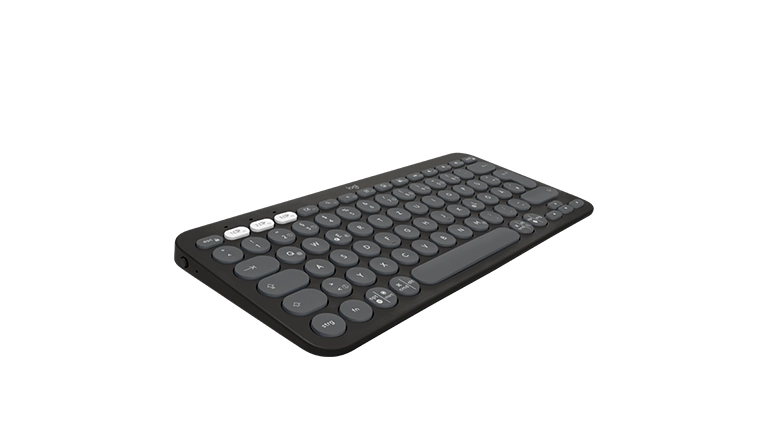
- Comfy and quiet laptop-like typing with scooped, low-profile keys
|
| Keyboard Features |
- Special Keys: Show desktop, search, back, voice dictation, emoji menu, screen capture
- Customisable keys via Logi Options+ App
|
| Mouse Features |
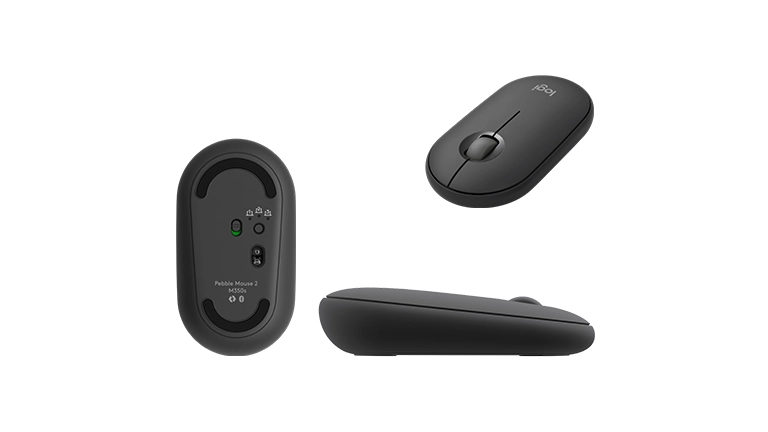
- Number of Buttons: 3 (Left/Right-click, Scroll-wheel with middle click)
- Customizable button with Logi Options+ App: 1 (scroll wheel with middle click) 5Logi Options+ App is available on Windows and macOS
- Sensor Technology: High-precision optical tracking
- DPI range: 400-4000 dpi (fully adjustable with 100 dpi increments)
- Nominal value: 1000 dpi
|
| Customization app |
- Supported by Logi Options+ App on Windows and macOS
|
| In the Box |
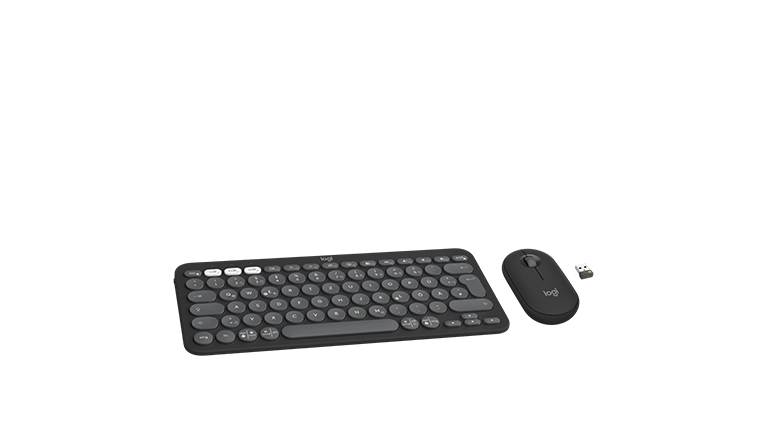
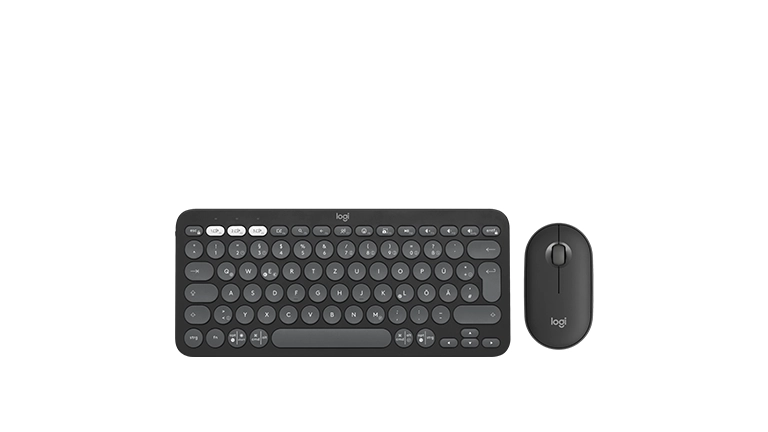
- Pebble Keys 2 K380s keyboard
- 2 X AAA alkaline batteries (pre-installed)
- Pebble Mouse 2 M350s
- 1 x AA alkaline battery (pre-installed)
- User documentation
- Logi Bolt receiver
- Important Info Document (IID)
|


Reviews
There are no reviews yet.